The shared grocery list app that adds only what you don't already have.
Pick a recipe, and Pantry Pal checks it against what's actually on your shelf — then lists only the things you're missing. Sorted by aisle, shared with whoever's doing the shopping. No more buying a sixth can of chickpeas.
Free forever for one shared list. No ads. No credit card.
A shared grocery list app lets you and your household build one shopping list together, on any device. Pantry Pal goes one step further: it checks the list against what's already in your kitchen and adds only what you're missing — grouped by store aisle.
Your shopping list doesn't know what's already in your kitchen
Every grocery list app makes the same dumb assumption: that you own nothing. Pick a recipe and it dutifully adds all twelve ingredients — the olive oil, the salt, and the three cans of chickpeas you already have a fourth of. It can autocomplete "chickpeas" the second you type them. It just can't tell you you've already got three behind the flour.
So you shop from zero every week. You buy the duplicate, get home, and find its twin in the cupboard. The list was never the problem — it's that no list has ever once looked in your kitchen before sending you to the store.
A grocery list should start from what's missing, not from scratch. Cross it against a pantry that knows what's in your pantry and the list gets shorter, the receipt gets smaller, and you buy only what you need — which is also less waste.
A grocery list that does subtraction, not just addition
It subtracts what you already own.
Pantry Pal cross-references your list against your real pantry and drops in only what you don't already have. The chickpeas you have stay off the list.
Start from a recipe, not a blank list.
Pick a saved recipe and the gaps land on the list automatically — no copying ingredients line by line, no retyping what you already cook from.
The list groups itself by store section.
Produce together, dairy together, dry goods together — so you're not backtracking from produce to frozen to produce again. Reorder the sections to match your store.
One list, everyone sees the same thing.
You and one other person (on the free plan) open the same list from any device, so whoever's at the store has the current one. A shared list — not a duplicate in someone's notes app.
The recipe keeps all ten ingredients. The list doesn't.
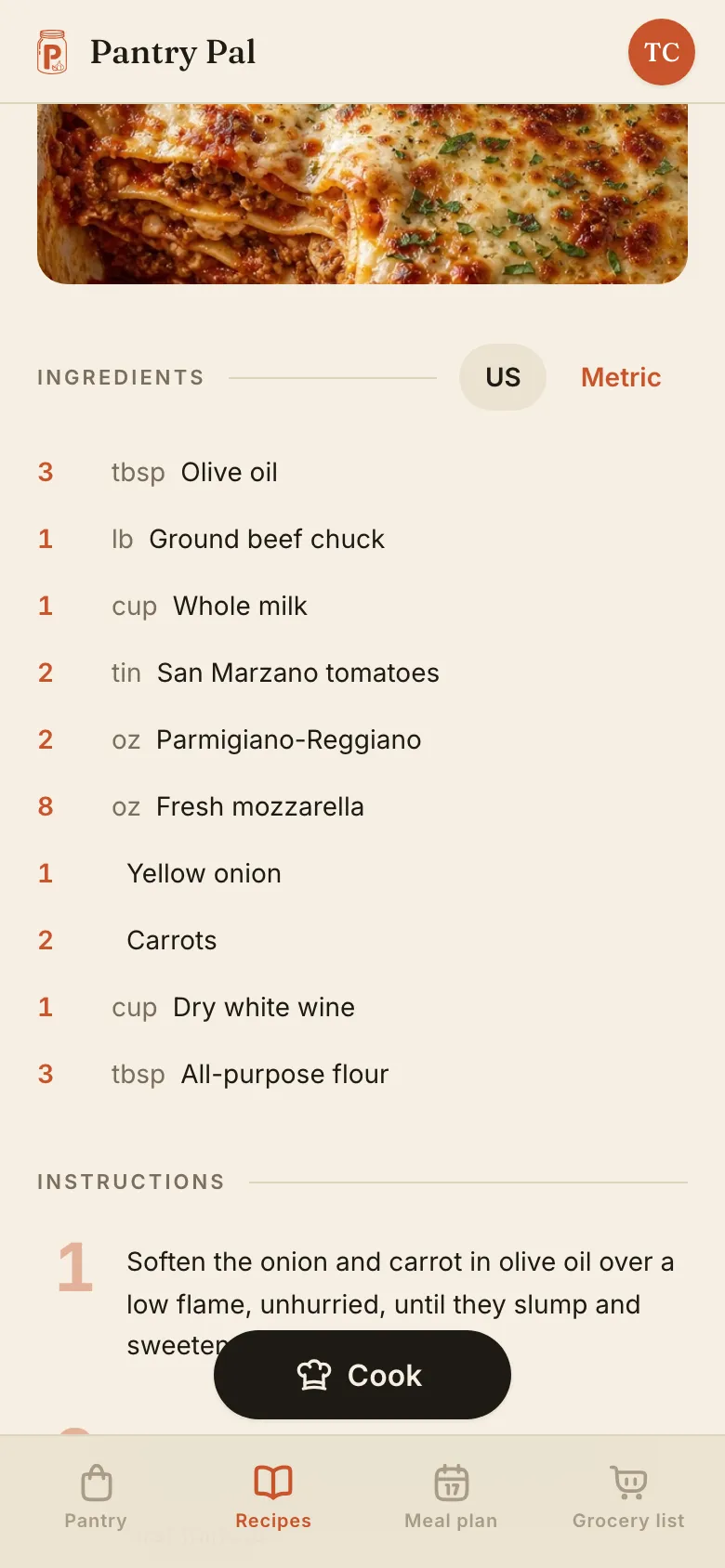
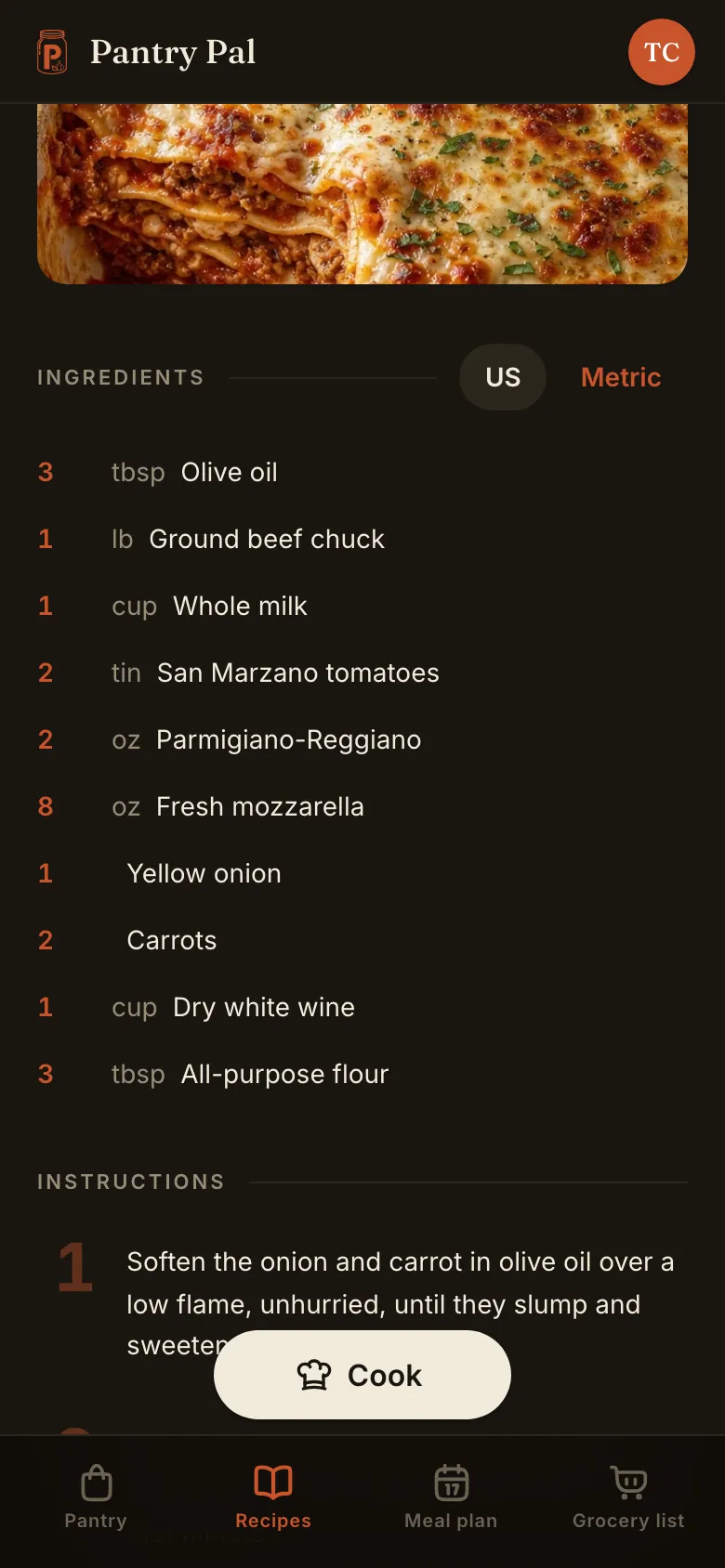
A recipe reads like a recipe. Pantry Pal doesn't scribble on it, doesn't tick off the olive oil, doesn't tell you which lines your cupboard already covers. Every amount stays where the author put it — in US units or metric, your call — because this is the screen you cook from, and half a shopping list is no use at the stove.
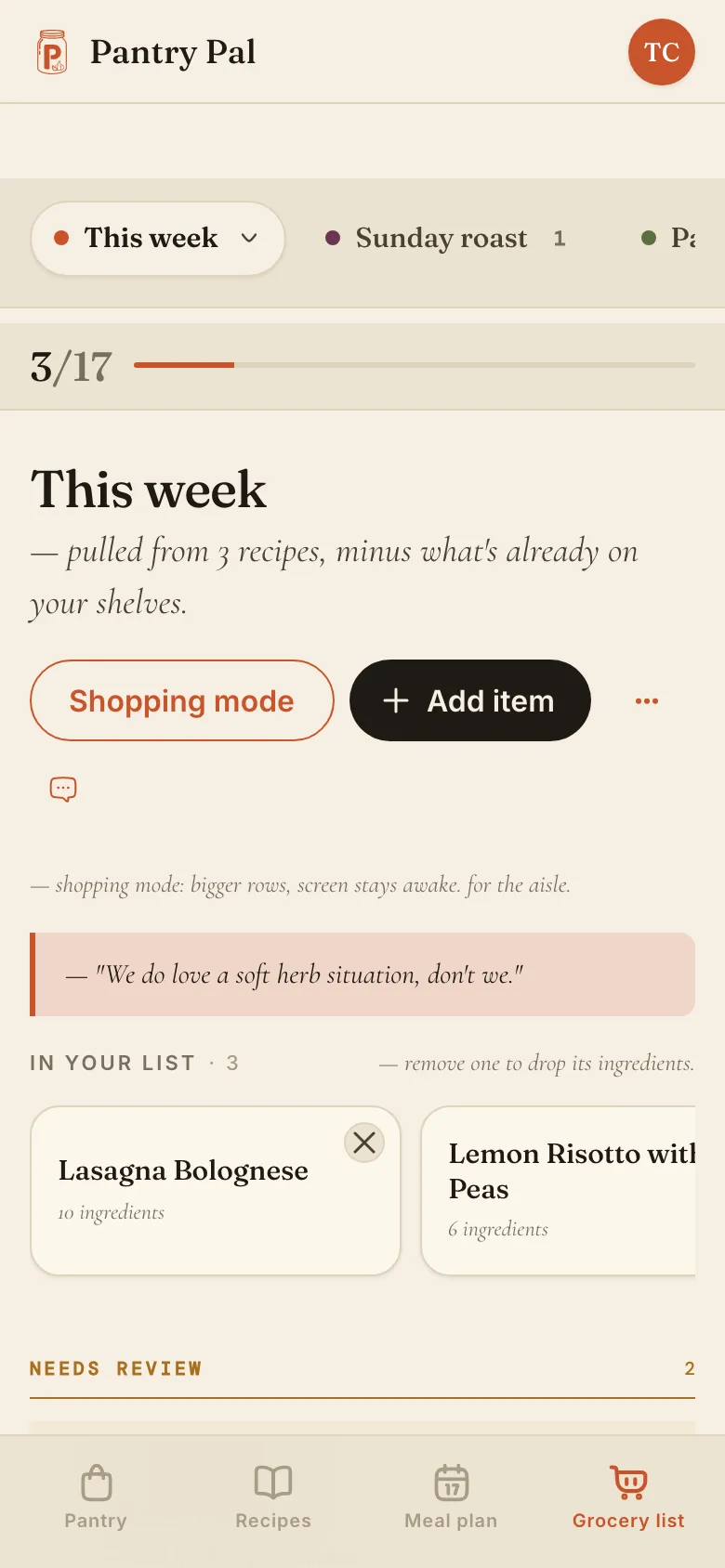
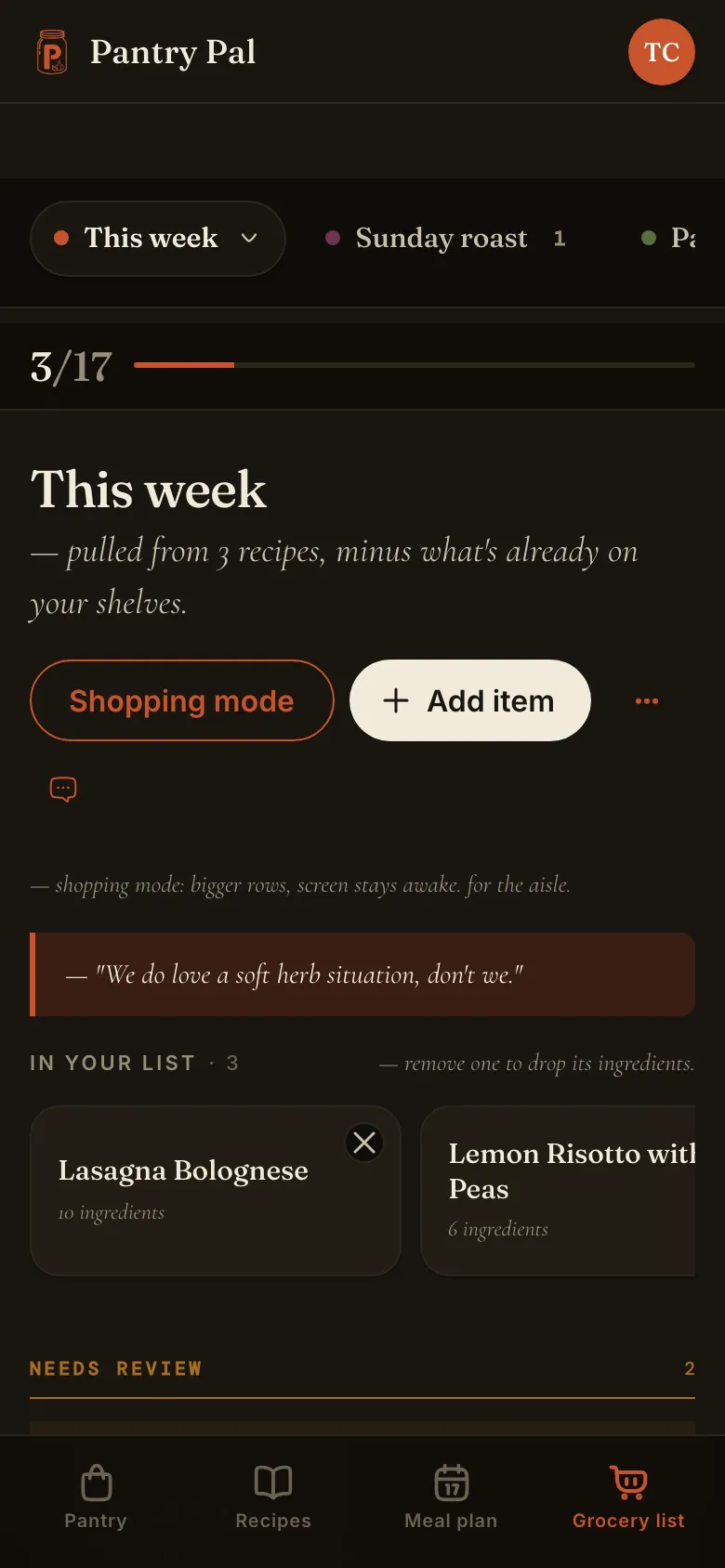
Send it to the list and the subtraction happens here instead. Anything your pantry already covers never makes it onto the list — and the list says so itself, right under its own name. Nothing else shortens it: no guess about what you probably own, no hidden staples rule. Add what else you need by hand, let it group by aisle, and hand it to whoever's going.
From recipe to checkout in three steps
Start with a recipe, or just add what you need.
Pantry Pal already knows your pantry, so the list starts smarter than a blank page.
It subtracts what you have.
Only the missing items make the list — sorted by aisle, so the trip runs in one loop of the store.
Shop the list.
Open it on your phone at the store; check things off as you go. Whoever's shopping has the current one.
Questions before you ditch the notepad.
Only buy what you don't already have.
Build a list that knows what you have, so you only pay for what you don't. Your pantry — and your receipt — will notice.
Free forever for one shared list. Takes about a minute to start.