The video to recipe app that turns a cooking video into text you can cook from.
Paste a TikTok, Instagram, or YouTube link. Pantry Pal fetches the video and works from the caption, the transcript, and the spoken audio — then hands you the ingredients and steps to check before anything saves.
Free plan covers 5 recipe imports a month. No ads. No credit card.
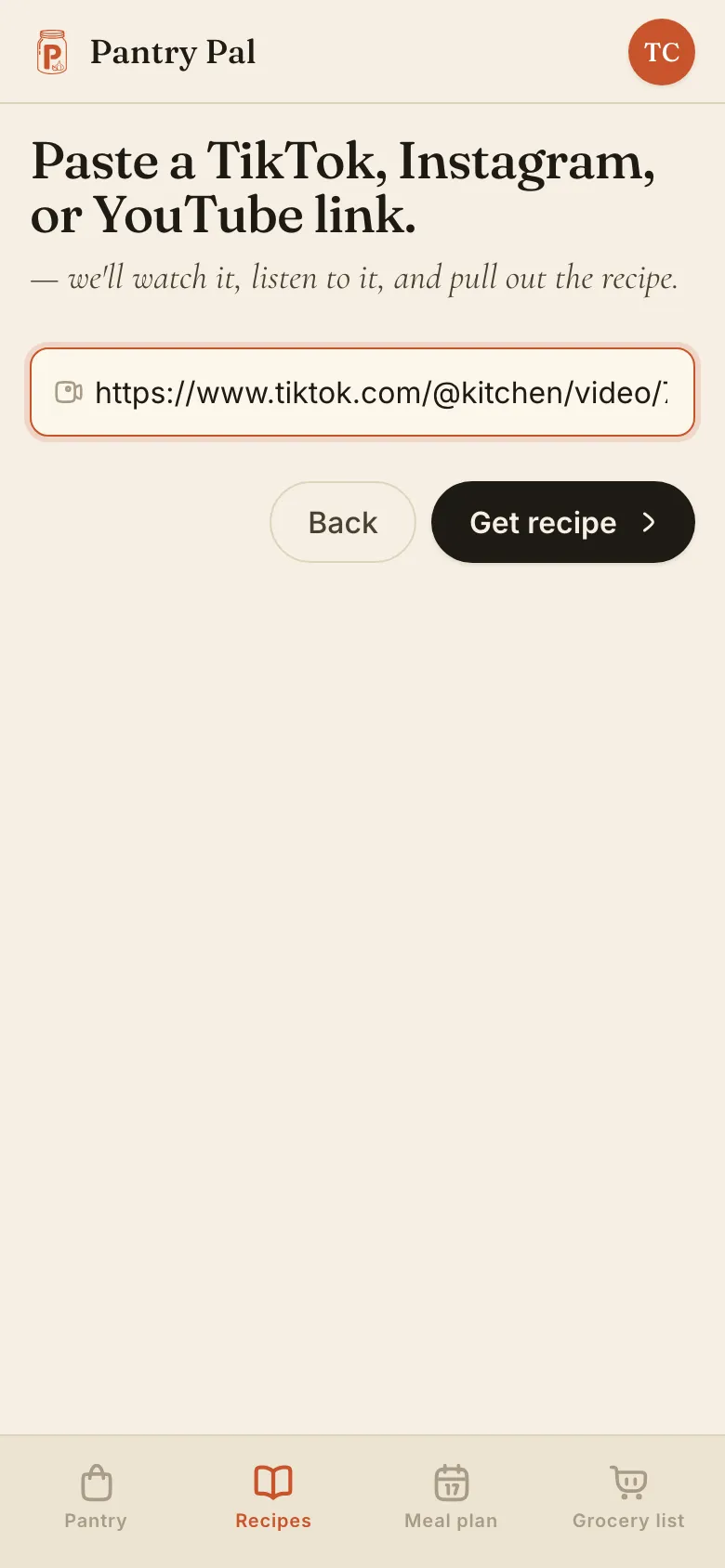
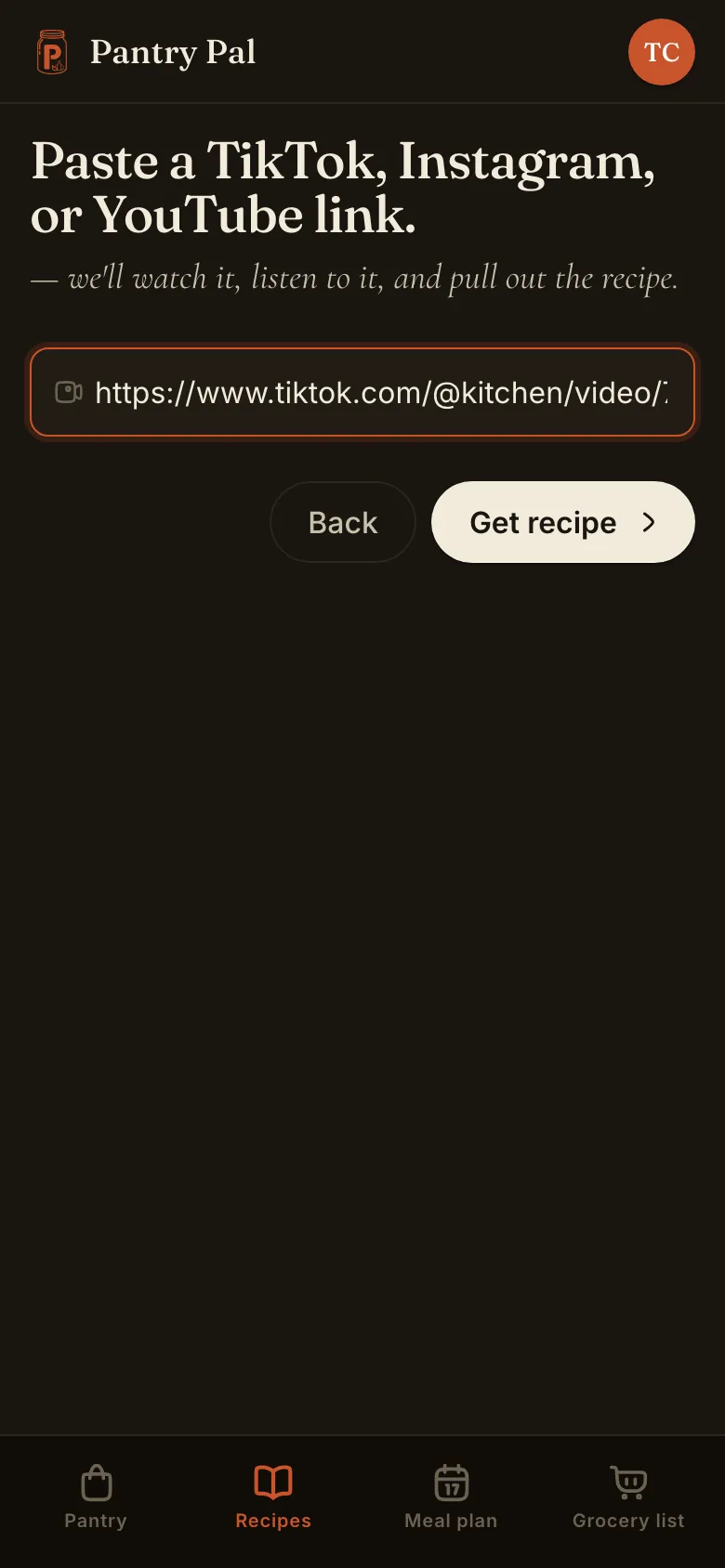
A video to recipe app takes a cooking video and pulls the ingredients and steps out of it as text you can search, scale, and cook from. Pantry Pal does it from a link — paste a TikTok, Instagram, or YouTube video and check what came back before it saves.
Any single video — including the ones where the recipe is only ever rattled off out loud, never written down.
Reels and video posts. Grab the link off the video itself; a story or a profile page isn't something it can work from.
Full videos and Shorts. One at a time, so a playlist link won't do it — send the video.
The recipe is in the video. That's the whole problem.
You tap the bookmark and move on. Four hundred videos later, the crispy chili oil eggs are somewhere in a grid of near-identical thumbnails, and finding them means scrubbing at 11pm with your thumb on the scrubber, pausing on the two frames where the measurements flash by. A saved video is a promise to do the work later. The work is always the same work.
And even once you've found it, a video won't answer a question. You can't search it for "does this need buttermilk." You can't scale it from four servings to two. You can't tell at a glance whether you already own the ingredients — because none of it is text yet.
So the job isn't saving the video. It's getting the words out of it: the ingredients and the steps, in a form you can read at the stove, keep in your recipe organizer alongside everything else, and match against what's actually in your kitchen.
A paste box that gets the recipe out of the video
TikTok, Instagram, and YouTube.
Same box, same paste. A TikTok, an Instagram reel, a YouTube video or Short — all of them land as text in the same place. Here's the walkthrough if you want to see it done.
The recipe rarely sits in one place.
Sometimes it's the caption. Sometimes it's narrated over a jump cut while two hands do something with garlic. Pantry Pal works from the caption, the transcript, and the spoken audio together, so it isn't stuck when the creator wrote nothing down.
Nothing lands until you say so.
What comes back is a review screen, not a done deal. Fix a misheard quantity, drop the step that was really just "and that's it, guys," then save — and only then does it join your recipe organizer.
Some videos have no recipe in them.
A mood piece, a taste test, a thirty-second sizzle with no measurements anywhere. When that happens you get told plainly rather than handed a half-invented recipe with plausible numbers — and if the caption points at a real one, you can import that link instead.
You get the last word on every recipe.
What comes back is a draft, not a saved recipe: the title, the description, the servings and the times, the ingredients and the steps — every one of them editable, with the video kept on the recipe as its source so credit doesn't go missing.
Nothing reaches your cookbook until you tap Import selected. That save counts as one import, whatever it came from; walking away from a draft costs you nothing.
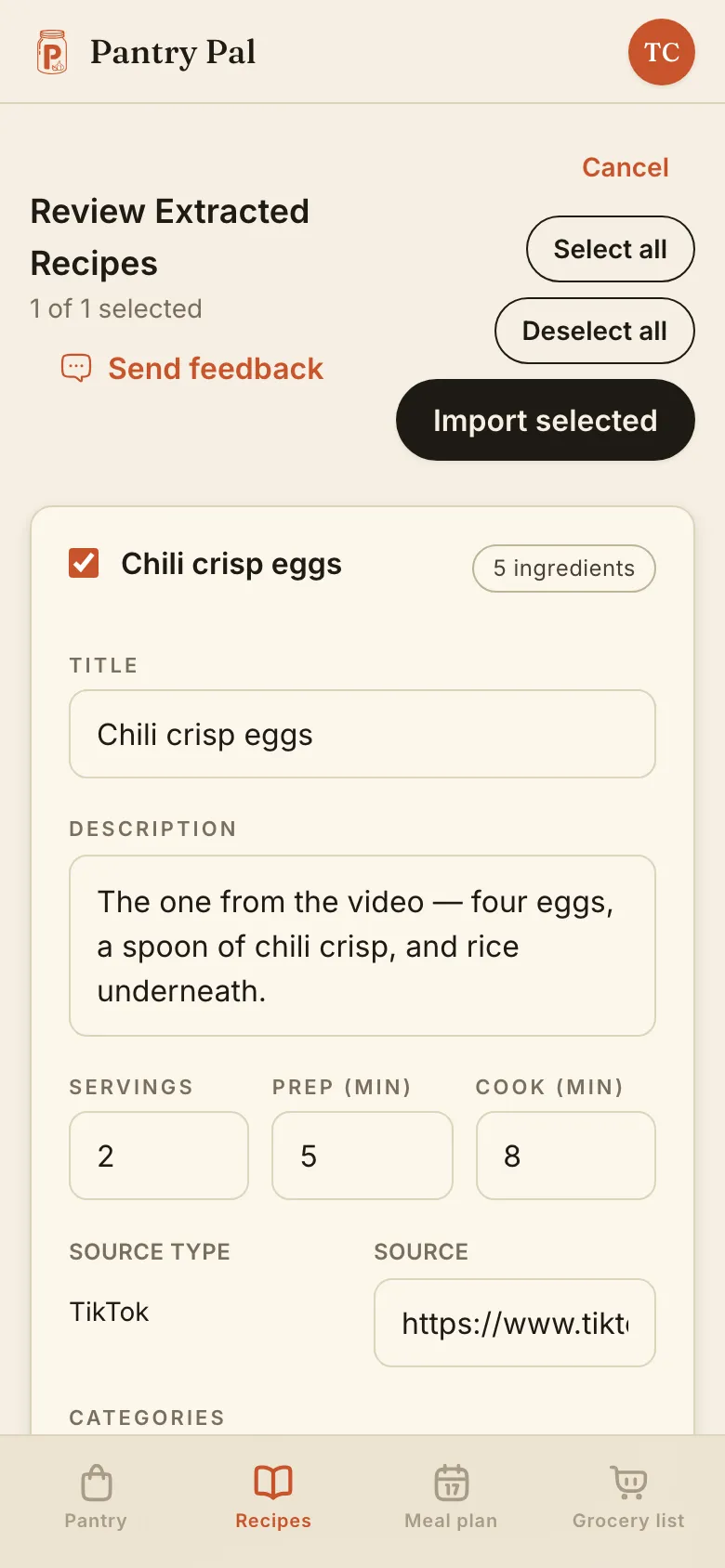
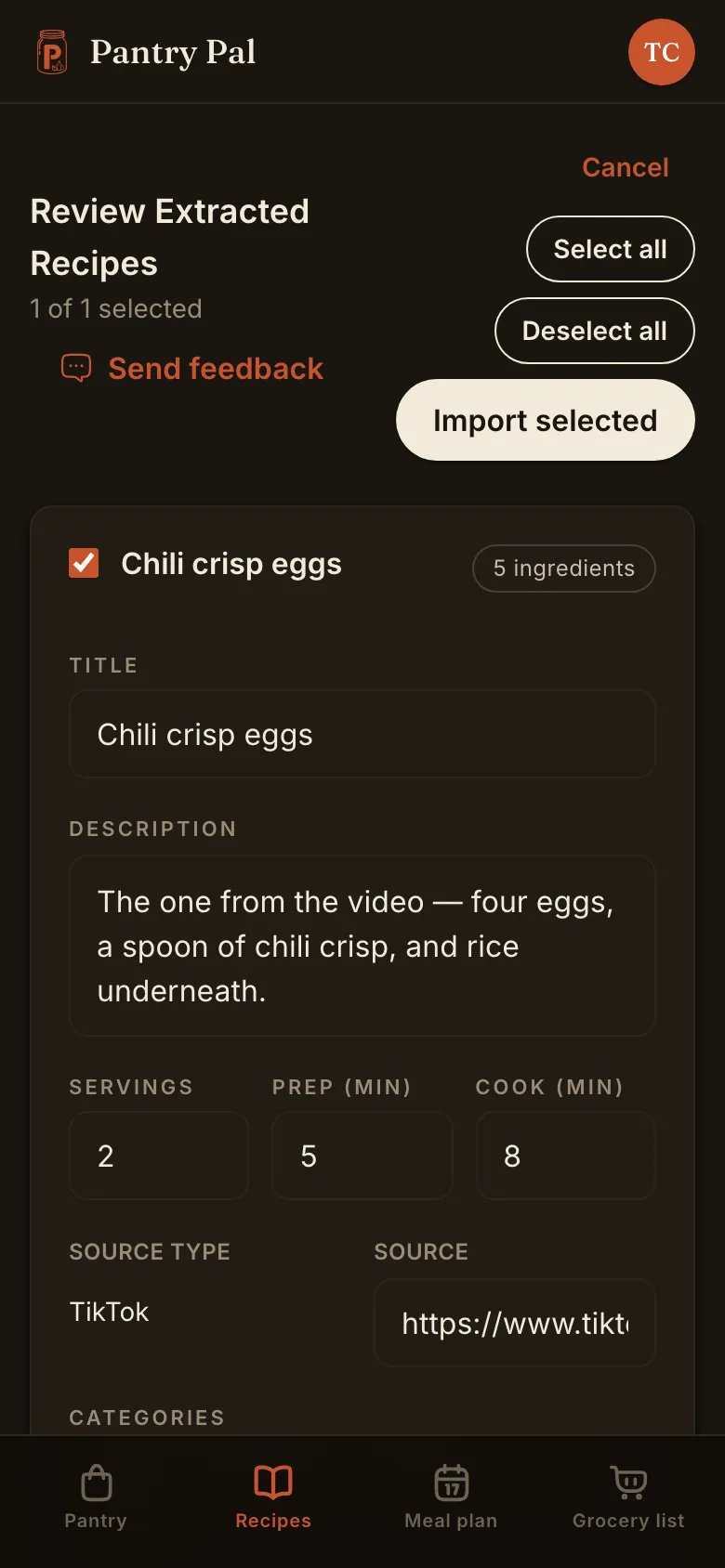
From a video link to a recipe in three steps
Copy the link from the share sheet.
One video, straight off the video itself — not the profile it lives on.
Paste it in and let it listen.
Pantry Pal fetches the video and works through the caption, the transcript, and what's said out loud.
Check it, then save.
Edit anything that came back wrong. Save, and it's searchable text you can cook from.
Questions before you paste.
Stop bookmarking videos you'll never cook.
Paste the link, check what comes back, and keep the recipe instead of the thumbnail. The video can stay where it is.
Free plan covers 5 recipe imports a month. No credit card.