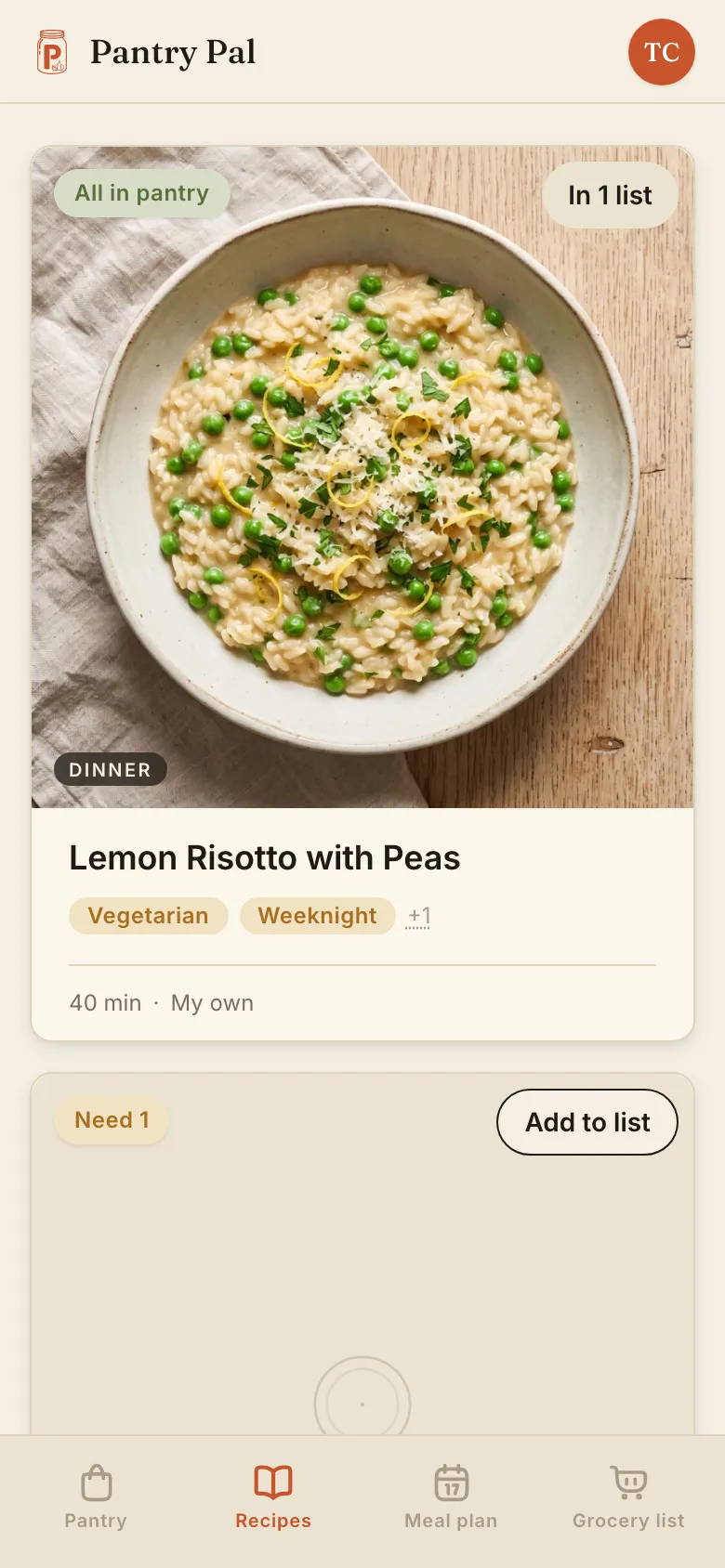
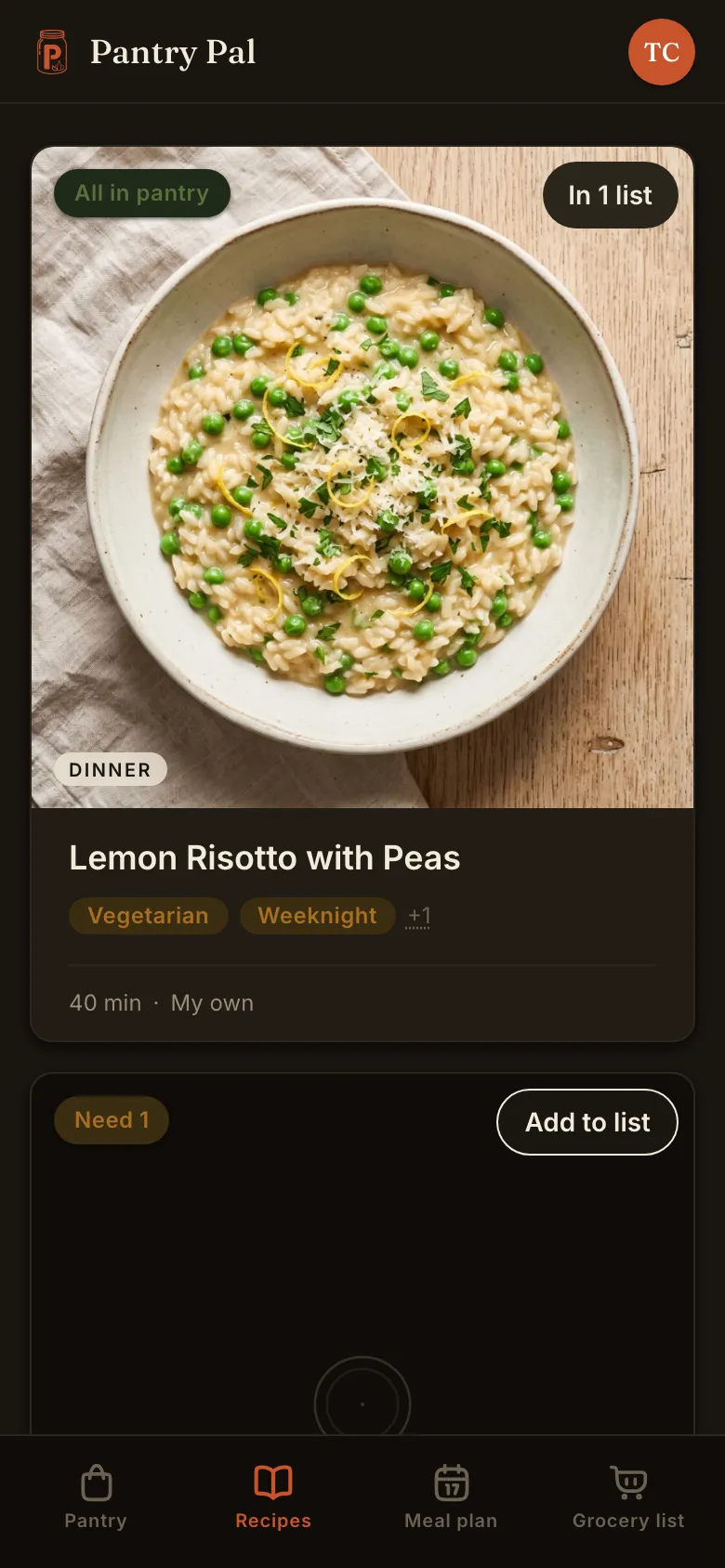
Recipe manager app

Every recipe manager makes you say what's in your kitchen again

Pick any of them and you get the same shape: somewhere to keep recipes, a search box, a grocery list. Several do it well, and Paprika will even hold a real pantry for you. What's missing on page one is the join — nothing takes the food already in your house and puts tonight's shortlist in front of you — so every time you ask, you say it all over again, by typing the ingredients in or by photographing the fridge. Here's what a recipe manager has to do, what to judge one on, and where we land, losses first.

Free to start. No ads. No credit card.

Plain termsThe short answer

What a recipe manager app has to do

Boiled down: somewhere to put every recipe you've collected, with the ingredients, the method and the place it came from kept together, and a way to turn one up again a year later. Nearly all of them will also turn a recipe into a grocery list; the better ones add a meal plan and a screen you can cook from without touching it. That much is solved across the category, so the differences that decide which one you keep are narrower than the feature lists suggest.

The apps on page one for this term are good software. CookBook, Paprika and Recipe Keeper have all been shipping for years, and the reviews are earned. Choosing between them on a feature grid is a waste of an afternoon, because on the headline rows they mostly agree.

So this page does something else. Five questions, answered honestly for us as well as for them — and the fifth is the one nobody in the category asks out loud. If you only want a searchable home for what you have collected, the recipe organizer side of Pantry Pal covers that on its own page, and several of the apps below will do it too.

What to judge one onFive questions

The five questions worth asking

01 What can it take in?

Ask where your recipes are now, then check that list against theirs.

Every manager on page one takes a link. Past that they differ, and here we lose. Their import net is wider than ours: CookBook takes Instagram, TikTok, YouTube, Facebook, Pinterest, Reddit, PDFs, Apple Notes, handwritten cards, screenshots, a Chrome and Edge extension, and a bulk CSV of 250 recipes at a time, most with a help article to prove it. Pantry Pal takes six sources through five buttons — a link, a TikTok or Instagram or YouTube video, a photo of a cookbook page, an EPUB or PDF you upload, or one typed in by hand. (EPUB and PDF share the one upload button, so that's six sources behind five buttons.) The recipe organizer page walks through all six; the short version is that a video gets listened to and its caption read, and that EPUB is the one source we take and they don't — a whole cookbook, worked through chapter by chapter. Nothing you import lands in your library until you approve it on a review screen.

02 What does search cover?

Almost nobody publishes this. Ask anyway.

"Searchable" is doing a lot of work in this category, and the limits only show up at 300 recipes. Ours is narrow and here it is: free text search covers the recipe title and the description, and nothing else — not the instructions, not the ingredient list, not your notes. Ingredient, tag, and category are filters, so you pick a value rather than typing one, and you can file recipes into chapters you name. There are two sorts: newest first, and how much of each recipe is already on your shelf. If searching the full text of every method you've ever saved is the job, we're not the tool — and check the same field on whatever else you are weighing, because the answer is rarely on the marketing page.

03 What does it run on?

The row we lose worst, so we will put it first.

CookBook is the one to beat: iPhone and iPad, Android, and a genuine web app you sign in to at app.cookbookmanager.com, all on one plan — and the browser is included even on their free tier. Recipe Keeper covers iPhone, iPad, Android and Windows, though you buy the unlock a platform at a time. Pantry Pal is web-only. It runs in your browser, on a phone or a laptop, and there's no native package of any kind: no store listing, nothing to sync locally, no version of this that works with the airplane mode switch on. Everything is server-backed and scoped to your household, so any browser you sign in from is the same cookbook, and everyone in the house sees the same one. If what you want is something from an app store, we're not it, and you should go and get one.

04 What does it cost in year three?

We lose this one at every horizon, so read it and decide early.

CookBook is $39.99 a year, or $6.99 a month, in US dollars. Pantry Pal Pro is $59.99 a year, or $7.99 a month. They're cheaper at every horizon, and on a three-year view a perpetual licence beats both of us — Paprika is $4.99 once on iOS, and Recipe Keeper's iOS unlock is $19.99, both of them sold per platform. Price isn't our argument and we're not going to dress it up as one. Both of us are free to start; if the rest of this page isn't worth the $20 a year to you, spend it somewhere better.

05 Does it remember your kitchen?

This is the question, and it is the one we built the product around.

Start with the strongest counter-example, because it is a good one. CookBook's Leftovers tool filters your own saved recipes against ingredients you name or photograph, shows a count of how many of them each recipe matches, and since July 2025 it can sort those results by the fewest extra ingredients you would have to buy. Their AI Fridge tool takes a clear photo of the fridge and reads the ingredients off it, which is less work than typing. That's a real answer to the same question and it deserves saying before anything else.

Here's the difference, and it's re-entry rather than memory. CookBook stores nothing about your kitchen between sessions, so the next time the question comes up you put the whole lot in again, by typing the ingredients in or by taking another photo of the fridge. Paprika does keep a real pantry — a quantity, a purchase date, an expiry date, an in-stock flag, and a restock from the grocery list, free of charge — but nothing in the product joins that pantry to choosing a recipe, so you end up reading your own pantry screen and retyping it into a search box. One of them holds the matcher and the other holds the record. Neither holds both, so either way you build the answer again from scratch.

CookBook's own users have asked for this, and CookBook has answered

Pantry is the most-voted idea on CookBook's public Ideas board — 189 votes, 64% clear of the idea in second place — and the submissions gathered onto that one card read like a specification of what we build: a saved list of what's on hand, expiry dates, "a way to scan pantry items", a minimum stock level, and recipes ranked by how many of their ingredients you already have. The vendor replied on the card, and we're quoting it exactly as written, typo included, read on 1 September 2026:

“Thanks so much for your ideas in regards to adding a pantry, unfortunately this it isn't something we are currently looking at implementing. We understand that although it's a feature requested by many, the majority of users will not use such a feature and we are therefore currently focusing on the core features that all users will benefit from.”

Two things worth saying about that, and neither is a jab. The word is currently, the reply is undated, and the card is still filed as a new idea rather than as declined — so it's a decision, not a closed door, and one release could reverse it. And it's a legitimate bet rather than a blind spot. They've looked straight at the gap and judged that most of their users won't keep a record of their own kitchen, so they're building for the people who won't. We're making the opposite bet, for the smaller number of people who will — and if you're honest with yourself about which of those two you are, you already know which app to buy.

Where Pantry Pal landsKept · joined · spent

What you get for keeping a record

1

It's on file.

One pantry for the household, with a count on each thing, where it's kept, and a best-by date if you want one. It's still there tomorrow, and everyone in the house sees the same shelf. The pantry itself is uncapped — log as much of your kitchen as you like, on any plan.

2

Your recipes sort by it.

Sort the cookbook by pantry match and it orders itself by how much of each recipe is on the shelf, without you naming a single ingredient. One click, and that's the whole join — you can cook from what you already have without telling anything what you have.

3

The list is only the gap.

Build a grocery list from a batch of recipes and anything already on your shelf drops off it. You shop for what's missing, which is a shorter shop and less in the bin.

What a kept record costs you, plainly

Upkeep, and we're not going to pretend otherwise. Something has to go into the pantry when it comes into the house, and the app won't do that for you: putting the shopping away is still putting the shopping away. Cook mode is on the trial and on Pro, never on the free plan, and it's the one place anything in Pantry Pal takes something back out for you — the closing screen asks which ingredients you used up, and the ones you say are gone come off the shelf. You answer that question or you skip it. Nothing else moves a number on its own: checking a grocery item off doesn't put it in the pantry, and no best-by date is ever going to interrupt you, because nothing in Pantry Pal sends reminders or notifications.

The trade is the honest version of this page's argument. CookBook's way needs no tending at all, and if you won't tend a list, theirs is the better answer and ours will quietly rot. Ours asks for a few minutes a week and gives you back an answer about the whole kitchen instead of the last thing you told it.

FAQ

Straight answers.

It's one account for everything you've collected — the ingredients, the method, and where it came from, kept together and findable again in a year. Most will build a grocery list from a recipe too, and the better ones add a meal plan and a hands-free screen you cook from. That much is settled across the category, so the things that actually decide it are narrower than the feature lists suggest: what it can take in, what its search really reads, what it runs on, what it costs over three years, and whether it holds on to anything about your own kitchen.
Answer the five questions above in your own order, because the right answer genuinely differs. If you want it on an iPhone and an Android tablet and in a browser, on one plan, CookBook is the strongest thing on page one and we'd send you there. If you'd rather pay once and never again, Paprika is $4.99 on iOS and Recipe Keeper's iOS unlock is $19.99 — both sold per platform — and neither of them is going to invoice you next year. Pick Pantry Pal if the food in your house is the problem rather than the recipes: you already have things in the cupboard, you already have recipes saved, and the question you keep asking is which of them you can cook from what you already have.
Several things, and we'd rather write them down than have you find them in one tap. Their import net is wider than ours on every source but EPUB — Instagram, TikTok, YouTube, Facebook, Pinterest, Reddit, PDFs, Apple Notes, handwritten cards, browser extensions for Chrome and Edge, and a bulk CSV path, each with its own help article. CookBook runs on the iPhone and iPad, on Android, and in a browser as a real web app, all on one plan, with the browser included even on their free tier. They're cheaper: $39.99 a year in US dollars against our $59.99. And CookBook can rank your saved recipes against ingredients you name, which most of this category cannot. What they don't do is keep any of it: nothing about your kitchen is stored between sessions.
No. Pantry Pal is web-only — it runs in your browser on a phone, a tablet, or a laptop, and there's no native package of any kind. It's the thing people ask us for most, and the honest answer is the one above. Everything is server-backed and scoped to your household, so signing in on a different device gives you the same cookbook, the same pantry, and the same grocery list, and everyone in the house sees the same one.
Narrower than you probably assume, and it's the field we'd check hardest on any app in this category, ours included. Free text search covers the recipe title and the description, and nothing else — not the instructions, not the ingredient list, not your notes. Ingredient, tag, and category are filters: you pick a value rather than typing one. You can also file recipes into chapters you name, and sort the whole cookbook by how much of each recipe is already on your shelf. If searching the full text of every method you've ever saved is the job, we're not the right tool.
Free to start, no ads, no credit card. Every new household gets 30 days with the lot: 50 recipe imports and 10 recipe ideas a month, meal planning, cook mode, unlimited grocery lists, and unlimited members. After that the free plan keeps everything you've already saved — every recipe, every shelf of the pantry, uncapped either way — and gives you 5 imports and 5 recipe ideas a month (an idea stays an idea until you save it, and only then does it land in your cookbook), plus one shared grocery list and two people. Pro lifts all of it: unlimited imports and ideas, unlimited lists and members, and meal planning and cook mode back.
The fifth question

Stop telling it what you already own.

Put the kitchen in once. Sort by pantry match and the cookbook lines up behind what you've got, and the grocery list only asks for what's missing.

Try it free

Free to start. No ads. No credit card.